ChatGPT
 Perplexity
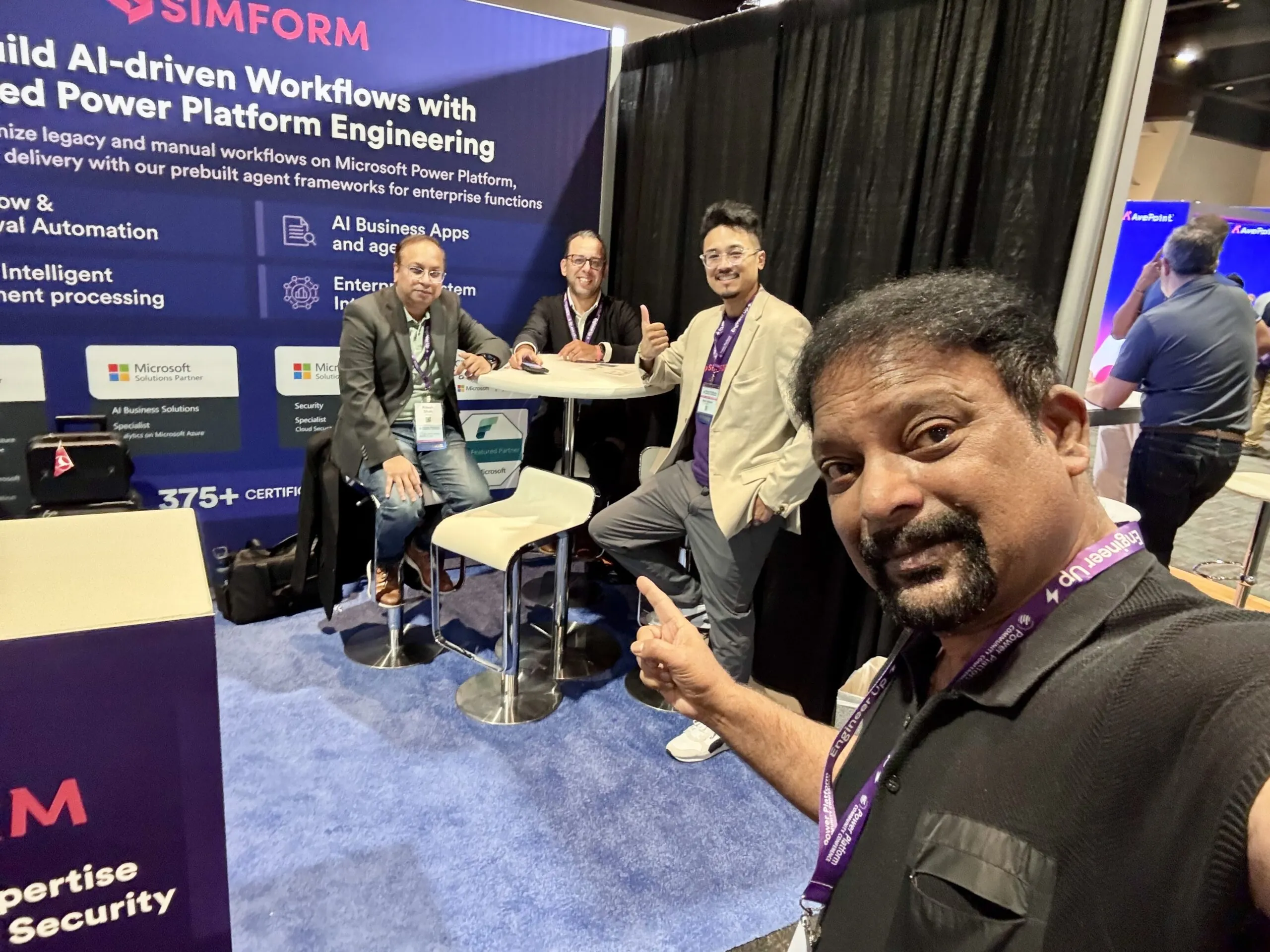
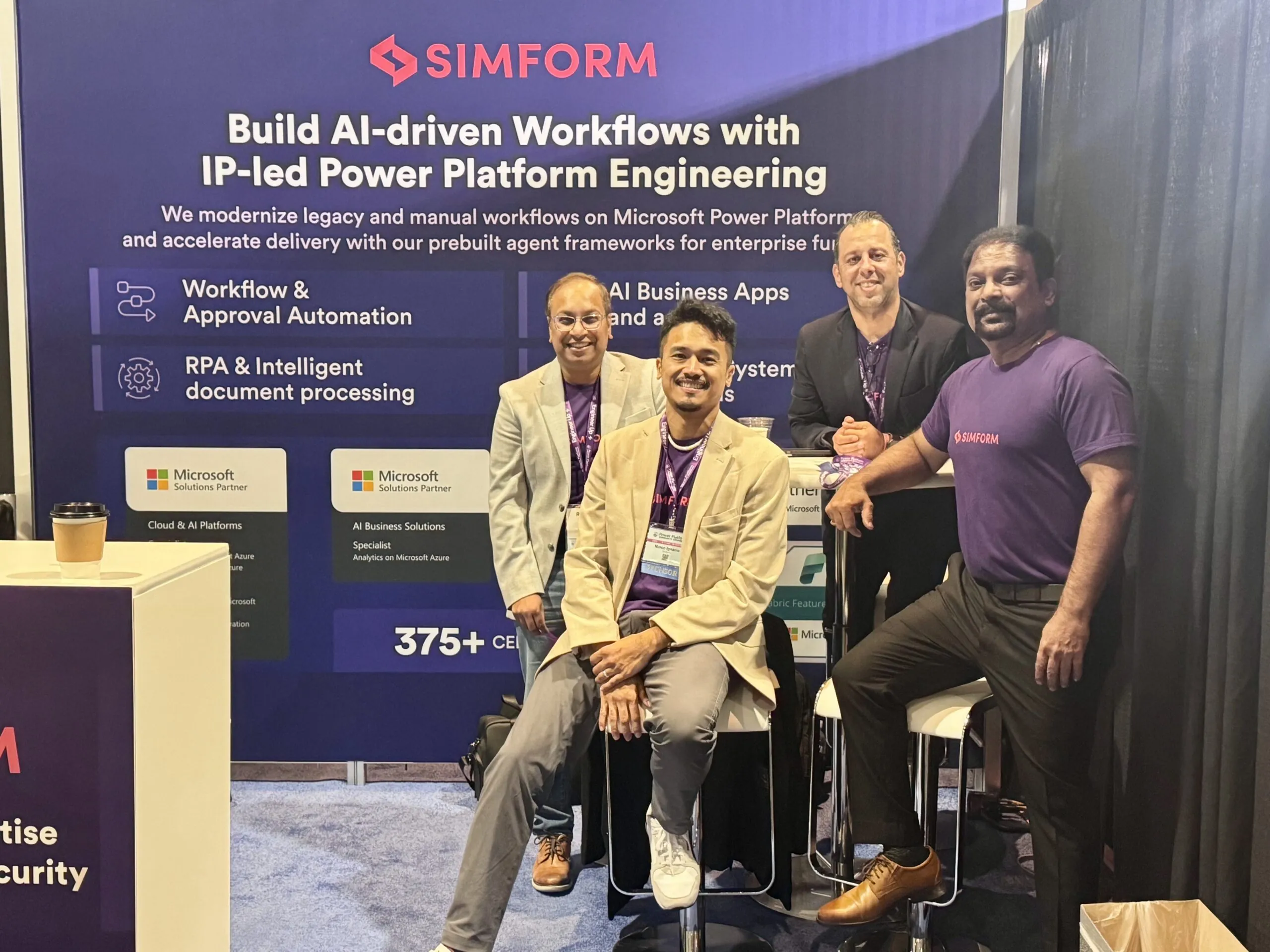
At the Power Platform Community Conference (PPCC) 2026 in Las Vegas, the most important shift I saw was how much more of the business process Microsoft now expects the platform to coordinate.
Power Apps, Power Automate, Copilot Studio, Dataverse, RPA, and human decision-making are moving closer together. Microsoft is also reducing the effort required to create apps, flows, and agents through natural-language authoring and tighter integration across the platform.
That changes where enterprise teams need to focus. Building is becoming faster. The harder work now sits around authority, integration, ownership, release discipline, and what happens once these systems become operational dependencies.

1. Start with the process, then choose the execution model
One of the clearest messages from PPCC was to start with the business process rather than an individual Power Platform product.
Most enterprise processes already span several execution models. A Power App may provide the interface. Power Automate handles predictable routing. RPA bridges an older system. Dataverse maintains process state. An agent interprets unstructured information or determines the next action. A person steps in where judgment or accountability is required.
The process may also have to reach Microsoft 365, Dynamics 365, SAP, Salesforce, or on-premises systems through APIs, connectors, and Microsoft Graph.
The design decision is therefore about assigning the right execution model to each part of the workflow.
I would keep deterministic steps deterministic wherever the rule is clear. Agent reasoning belongs where context or variability changes the next action. RPA still has a role where legacy systems remain part of the operating environment.
2. Agents are moving from answering requests to carrying work forward
The announcements around agent accounts, business process memory, triggers, and the Copilot harness stood out to me because they address one of the practical limitations of early enterprise agents.
Business work rarely finishes in one interaction.
A procurement request can wait days for approval. A contract moves between legal and commercial teams. Employee onboarding can cross HR, IT, identity, equipment, and manager approvals.
People often provide continuity between those steps today. They remember what happened earlier, follow up with the next owner, and reconstruct context when work resumes.
Persistent agents can begin carrying some of that continuity themselves.
Once an agent stays involved across multiple steps, identity and ownership stop being implementation details. Memory boundaries, permissions, observability, escalation, and failure handling all become part of the workflow design.
For me, this is the more important implication of persistence. The agent is no longer just answering inside a conversation. It becomes part of the workflow’s execution layer.
3. Human approval becomes an authority boundary
Microsoft repeatedly described a model where automation keeps work moving while people step in for the decisions and approvals that matter.
That is a useful way to think about agentic process automation.
What practitioners sometimes call human middleware is still common across enterprise workflows: people copying information between applications, validating fields, sending reminders, or manually routing the next step because the system cannot move the work forward itself.
Those are good candidates for automation or agentic RPA.
Judgment is different.
An agent may prepare an expense submission without having authority to approve payment. It may interpret contract clauses while a commercial change still requires legal sign-off. It may initiate an access request while privileged access remains subject to explicit approval.
I would treat those transitions as authority boundaries.
Human-in-the-loop design is becoming less about inserting an approval step after the automation is built and more about deciding upfront where decision rights change hands.
4. Dataverse is becoming shared operational context
One of the more concrete PPCC signals was Microsoft’s Dataverse plugin for Copilot Cowork.
Microsoft demonstrated applications being created from natural-language instructions while continuing to operate within existing Dataverse permissions. Changes can still pass through approval, and the underlying tables remain inside the organization’s governed environment.
The more important point here is the role of shared business context.
A production agent needs access to current operational state, not just reference documents. It may need to know whether a request is approved, which customer record is authoritative, what role an employee holds, or where a contract sits in its lifecycle.
If every agent reconstructs that context independently, enterprises recreate the same fragmentation they spent years trying to remove across applications.
Dataverse can increasingly provide a common business layer across apps, workflows, and agents.
Poor security roles, unclear data ownership, loosely governed connectors, or inconsistent environments become execution risks once agents can act on live systems.
Dataverse design, DLP, environment strategy, and lifecycle management now belong inside the AI architecture conversation.
5. Production engineering is becoming the real differentiator
Microsoft is making it easier to create applications and agent experiences through natural language.
The interesting part begins after that.
A Copilot Studio agent can be created quickly. Running it against enterprise data, under the right identity, with controlled releases, integrations, monitoring, and clear ownership is what determines whether it becomes dependable production infrastructure.
This is where the gap between a convincing demo and a usable enterprise system becomes visible.
A production team needs to know which identity the agent operates under, how it moves between environments, which systems it can change, what can be rolled back, where failed actions go, and who owns the process after launch.
Faster creation can increase operational complexity when more teams are able to build without the surrounding controls maturing at the same rate.
This is why we increasingly separate architecture decisions from implementation decisions at Simform. Before teams start building, we map how identity, data boundaries, integration, and observability need to work across the process.
FEED, our Frontier Enterprise Envisioning Demo, maps the Microsoft architecture across apps, agents, data, identity, and integrations before engineering begins, so implementation decisions follow the process design rather than the other way around.
The implementation can then use Power Apps, Copilot Studio, Power Automate, Dataverse, Azure services, or existing enterprise systems as the process requires.
6. Scale will test the operating model first
According to Microsoft at PPCC 2026, more than two million makers are active each month and more than four million apps are being created and run across the platform. AI usage in Power Apps has more than doubled, while app usage in Copilot Studio has more than tripled.
That scale changes the risk profile.
A single Power Platform solution is manageable. Hundreds of apps, flows, agents, connectors, and environments create a different operational problem.
This is where teams run into maker sprawl, inconsistent environments, missing release or rollback paths, unclear data access, and agents with no obvious owner once they are live.
Microsoft is investing in the control layer through Managed Environments, Agent 365, Copilot Managed Runtime, and evaluations.
Those controls still need an operating model around them.
Enterprises need clear ownership, environment and DLP policies, release governance, monitoring, support, and a CoE model that allows makers to move quickly inside boundaries IT can support.
Reusable agent frameworks can help with speed, provided they do not bypass those controls. That is the role CoreAgents is designed to play at Simform: reduce setup effort while fitting into the enterprise’s existing data, governance, integration, and release model.
The challenge gets harder as adoption grows because every new workflow adds another operational dependency.
My main takeaway from PPCC is that Microsoft is reducing the friction involved in building apps, automations, and agents.
The enterprises that get the most value from Power Platform will be the ones that can define authority, ownership, data boundaries, integration, and production controls as quickly as their teams can create new automation.
In practice, that is where many organizations are still uneven. Governance policies may exist, but ownership is unclear. CoE models may be defined, but release controls are not consistently enforced in the pipeline. Monitoring may cover flows and infrastructure without giving teams enough visibility into how agents are actually behaving across a process.
That gap matters more as Power Platform takes on a larger share of operational work.
The technology is moving quickly. The harder part now is making the governance and engineering model real enough to keep up with it.